C# PictureBox Control
The Windows Forms PictureBox control is used to display images in bitmap, GIF , icon , or JPEG formats.
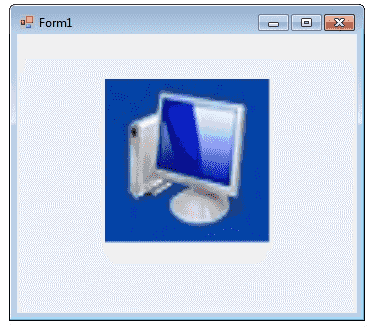
You can set the Image property to the Image you want to display, either at design time or at run time. You can programmatically change the image displayed in a picture box, which is particularly useful when you use a single form to display different pieces of information.
The SizeMode property, which is set to values in the PictureBoxSizeMode enumeration, controls the clipping and positioning of the image in the display area.
There are five different PictureBoxSizeMode is available to PictureBox control.
- AutoSize - Sizes the picture box to the image.
- CenterImage - Centers the image in the picture box.
- Normal - Places the upper-left corner of the image at upper left in the picture box
- StretchImage - Allows you to stretch the image in code
The PictureBox is not a selectable control, which means that it cannot receive input focus. The following C# program shows how to load a picture from a file and display it in streach mode.
Full Source C#- C# Visual Studio IDE
- How to Create a C# Windows Forms Application
- C# Label Control
- C# Button Control
- C# TextBox Control
- C# ComboBox
- C# ListBox Control
- C# Checked ListBox Control
- C# RadioButton Control
- C# CheckBox Control
- C# ProgressBar Control
- C# ScrollBars Control
- C# DateTimePicker Control
- C# Treeview Control
- C# ListView Control
- C# Menu Control
- C# MDI Form
- C# Color Dialog Box
- C# Font Dialog Box
- C# OpenFile Dialog Box
- C# Print Dialog Box
- keyPress event in C# , KeyDown event in C# , KeyUp event in C#
- How to create Dynamic Controls in C# ?
- Keep Form on Top of All Other Windows
- C# Timer Control